DESKTOP PRO / LOCAL WORKSPACE
Your signature. Your files. Your workspace.
Sign PDFs, reuse your signatures and finish a batch from one desktop workspace. €49 once, with local signing after online activation.
Sign Simplified Pro Desktop
€49 one-time — lifetime license
Get Pro DesktopA closer look at your workspace
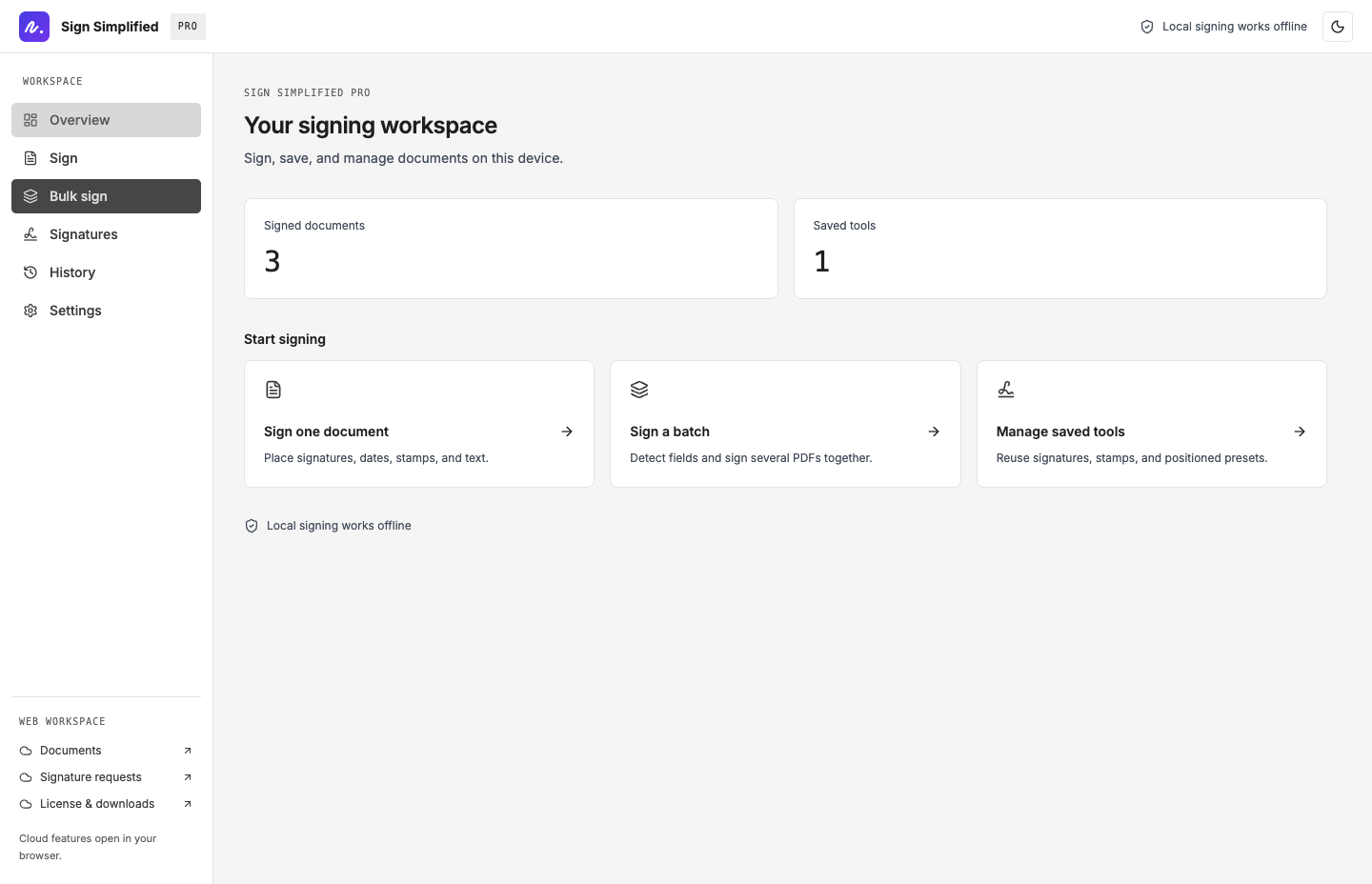
Actual macOS app screens in English, using sample documents.
01
Built for the documents you sign every week
Local by default
Sign and remove photo backgrounds on your computer after activation. PDF files up to 200 MB.
Make every page yours
Draw, type or photograph a signature. Add dates, text and stamps; repeat them across selected pages.
Finish the batch
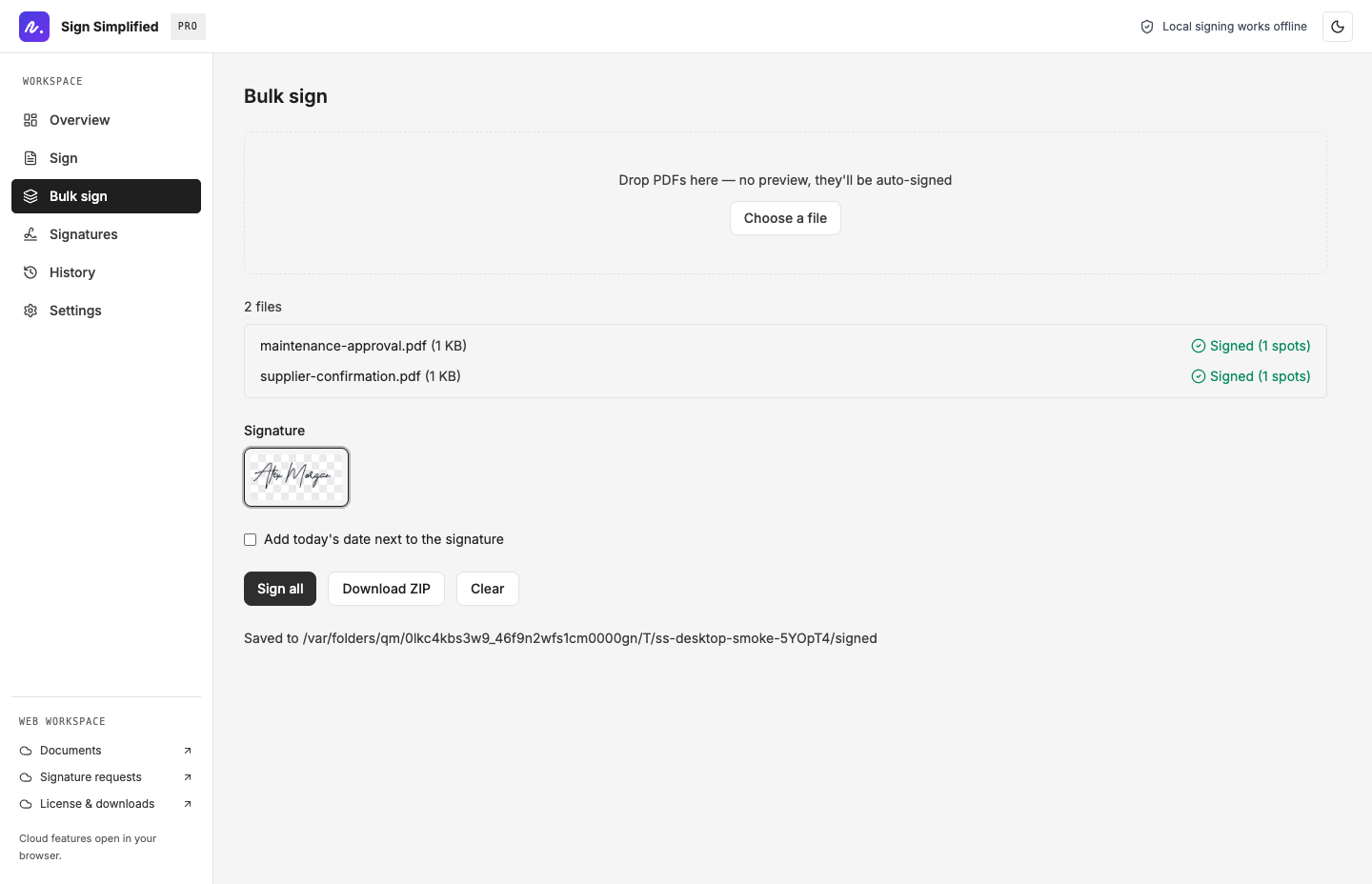
Use local field and text detection to place a saved signature in multiple PDFs. Save files or download a ZIP.
Keep your tools close
Save named signatures and placement presets. Import or export a signature pack to move them between devices.
Find the finished file
Choose a signed-files folder and return to completed work from local history.
Fonts included
Nine handwriting styles, Inter and Japanese interface fonts are bundled. Choose light or dark mode and one of seven languages.
Optional OpenAI or Anthropic placement requires internet, sends page images to your chosen provider and may incur API charges. Web documents and signature requests open in your browser and require the appropriate web plan.
02
A closer look at your workspace
Actual macOS app screens in English, using sample documents.
03
For the work that keeps coming back
Property managers, rental administrators and small teams can reuse their own signature on maintenance approvals, supplier documents and routine paperwork. Review each document and sign only when authorized.
One desktop license includes
Windows and macOS • unlimited devices you own • saved signatures and presets • bulk signing • local history
No. The €49 desktop license is a separate one-time purchase. Web Pro is a subscription for online services such as document storage and signature requests.
From purchase to your first signed PDF
- 01
Download the installer and retrieve your license key from this account.
- 02
Install the app and activate your key while connected to the internet.
- 03
Open a document, add your signature and save the signed PDF locally.
Installers: Windows x64 and macOS Apple Silicon. Internet is required for purchase, download and first activation.
Practical guides for Pro Desktop
How to sign a PDF offline with Pro Desktop
Activate Sign Simplified Pro Desktop online once, then open, sign and save PDFs locally.
How to bulk sign PDFs in Pro Desktop
Pro Desktop can apply a saved signature to multiple PDFs and save the results as individual files or a ZIP.
PDF signing workflows for property managers
Property managers can use Pro Desktop to reuse their own signature on maintenance approvals, supplier paperwork and routine property documents.
Pro Desktop vs web Pro: which signing workspace fits?
Choose Pro Desktop for an installed workspace with local signing, reusable tools, bulk output and file history.
Before you choose
Does Pro Desktop upload my PDFs?
Local signing, local detection and photo background removal run on your computer. If you enable optional cloud AI placement, page images are sent to your chosen provider. Web vault and request workflows are online services.
Is the web Pro subscription included?
No. The €49 desktop license is a separate one-time purchase. Web Pro is a subscription for online services such as document storage and signature requests.
Can I download again or use another computer?
Yes. Your purchase is attached to your signed-in account. Return to the Desktop app section to retrieve your key, download installers and view activations. One license covers devices you own.
Your offline signing workspace, ready to keep
€49 one-time — lifetime license